
Let’s Make Digital Inclusion Just One Click Away
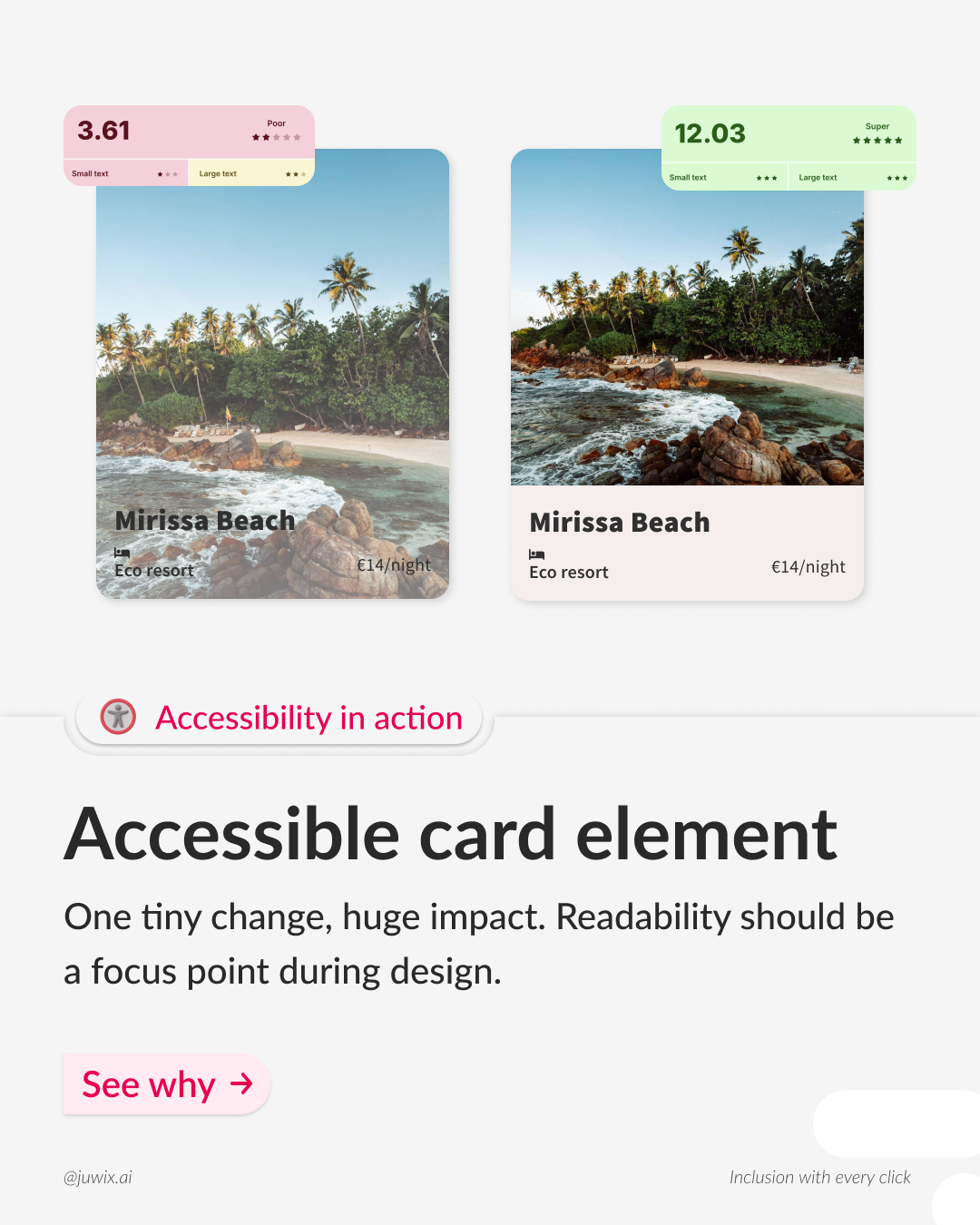
In an increasingly digital world, accessibility isn’t a nice-to-have—it’s essential. Too many websites overlook simple design tweaks that exclude significant portions of their audience. But what if you could transform your site’s inclusivity in just a few minutes? Our new mini-guide shows you exactly how a single contrast adjustment can boost readability, meet WCAG standards, and create an inclusive digital experience for everyone.
Why Digital Inclusion Matters
Digital accessibility ensures that people of all abilities—whether they have visual impairments, cognitive differences, or motor challenges—can perceive, understand, and interact with your content. Beyond legal compliance, it demonstrates social responsibility and expands your reach to new audiences. Studies show that accessible sites enjoy lower bounce rates and higher engagement, translating directly into better user satisfaction and business results.
The Power of a Simple Contrast Tweak
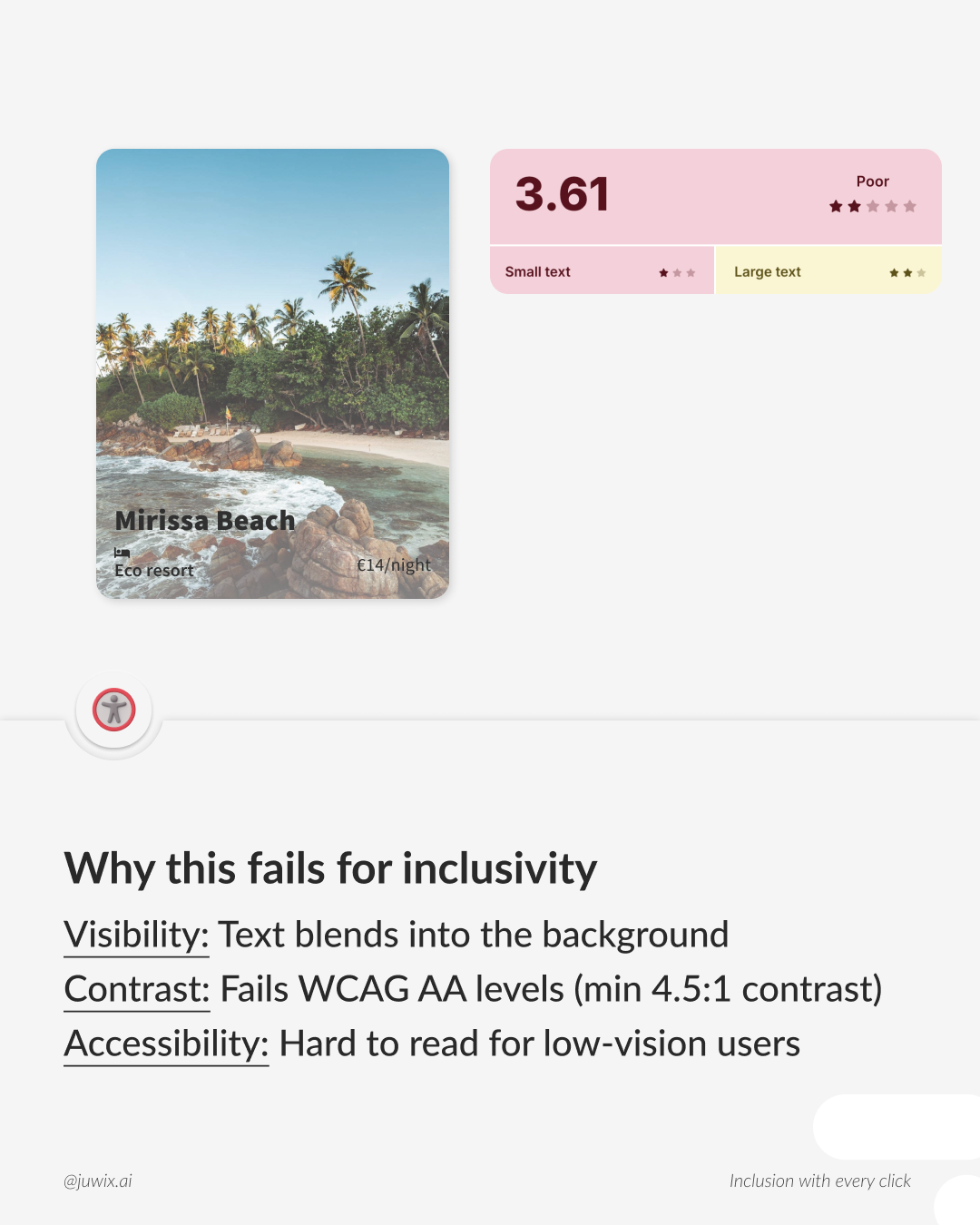
One of the easiest barriers to tackle is insufficient color contrast. When text blends into its background, users with low vision or color-blindness struggle to read, leading to frustration and abandonment. By tweaking foreground and background hues, you can:
- Boost readability for all users
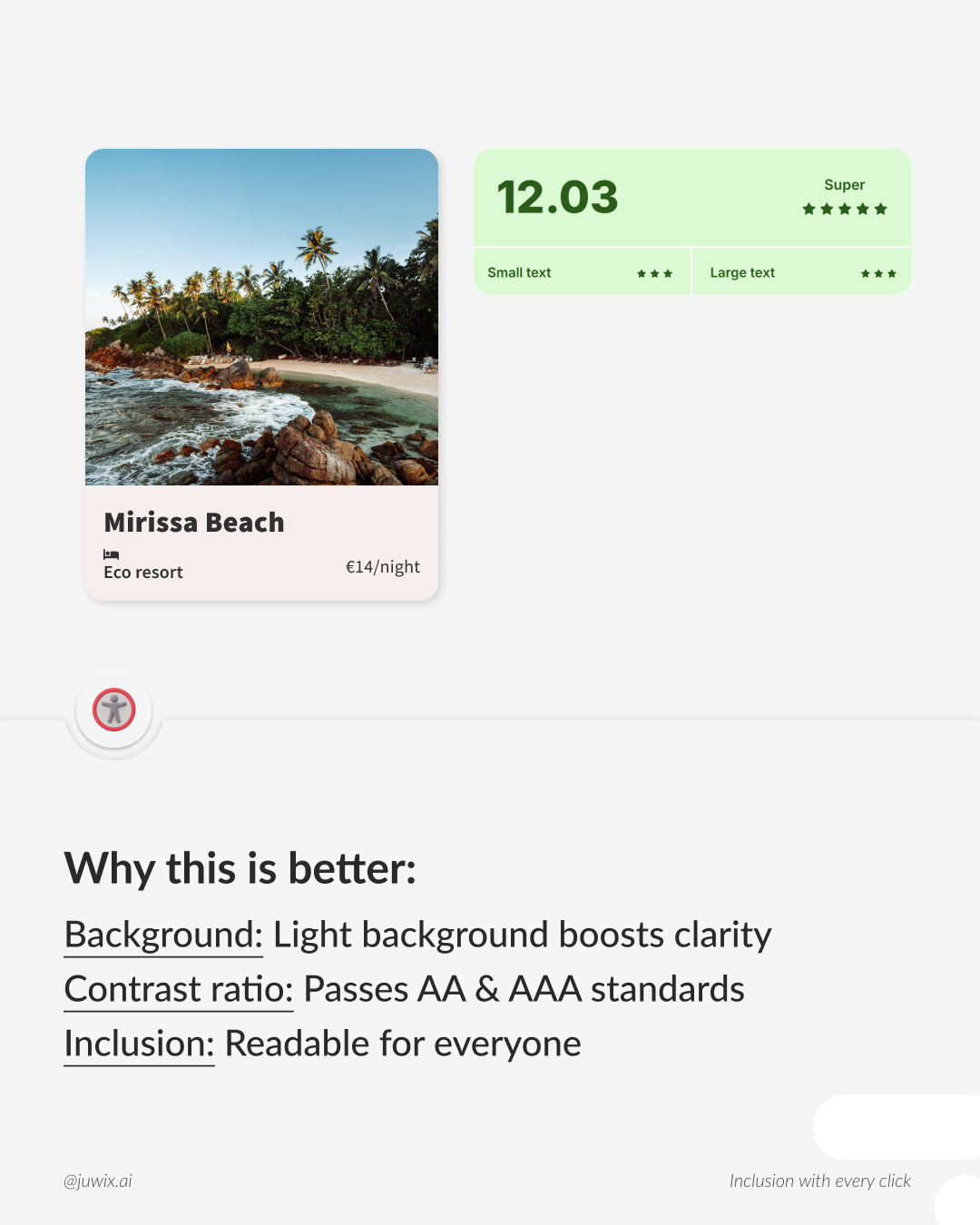
- Meet WCAG AA & AAA contrast requirements
- Ensure your message truly reaches everyone
In our guide, we walk you through a before-and-after example so you can see the difference a few percentage points of contrast make in real time.
How to Check and Improve Contrast
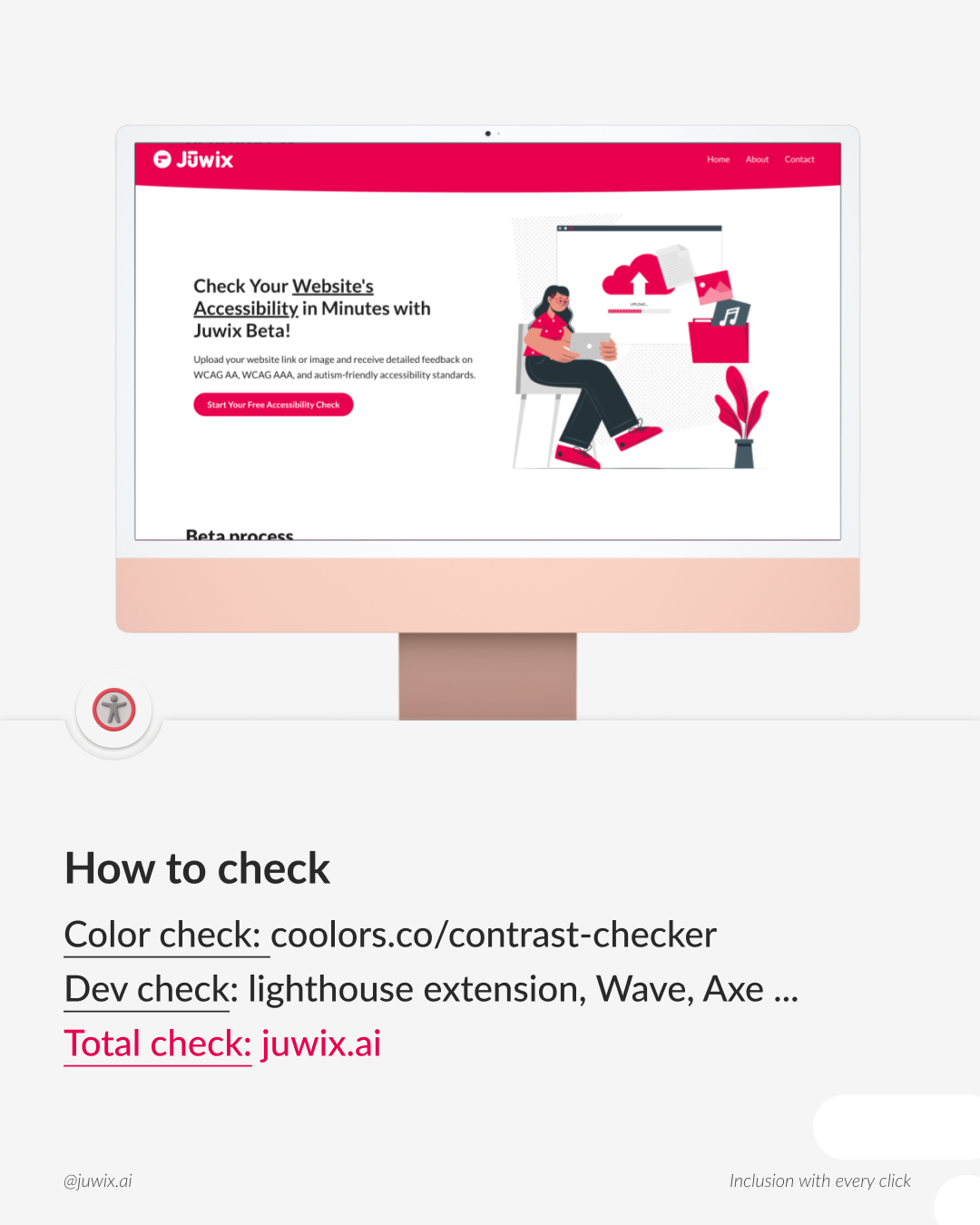
- Use free tools like the WebAIM Contrast Checker or the Juwix.ai scanner to identify low-contrast areas.
- Adjust your design system: update your CSS variables or style guide to reflect compliant color pairs.
- Test with real users: run quick usability sessions with people who rely on high-contrast modes or screen magnifiers.
These steps take minutes but prevent hours of redesign work down the road—and spare you potential legal headaches.
Beyond Contrast: Additional Accessibility Tips
While color contrast is a quick win, our mini-guide also covers:
- Clear, descriptive link text that makes sense out of context
- Logical heading structures for easy navigation
- Alt text best practices to describe images accurately
- Keyboard-only navigation checks to ensure full operability
Each section includes actionable checklists and resource links so you can implement improvements immediately.
Streamline Your Audits with Juwix.ai
Manual accessibility testing can be time-consuming. That’s why Juwix.ai offers an all-in-one scan that detects WCAG 2.1 & 2.2 violations, provides cognitive accessibility insights, and generates both visual and text-based suggestions. Export your findings as styled PDFs or HTML reports—perfect for sharing with developers, stakeholders, or clients.
Ready to Take Action?
Download our free mini-guide now and start making your site more inclusive today. Whether you’re a solo designer, agency professional, or large organization, these simple changes will set you on the path to true digital inclusion.
Let’s make digital inclusion just one click away.
Inclusive regards,
Judith
Founder & Accessibility Expert, Juwix.ai