

A holiday home you can feel before you book
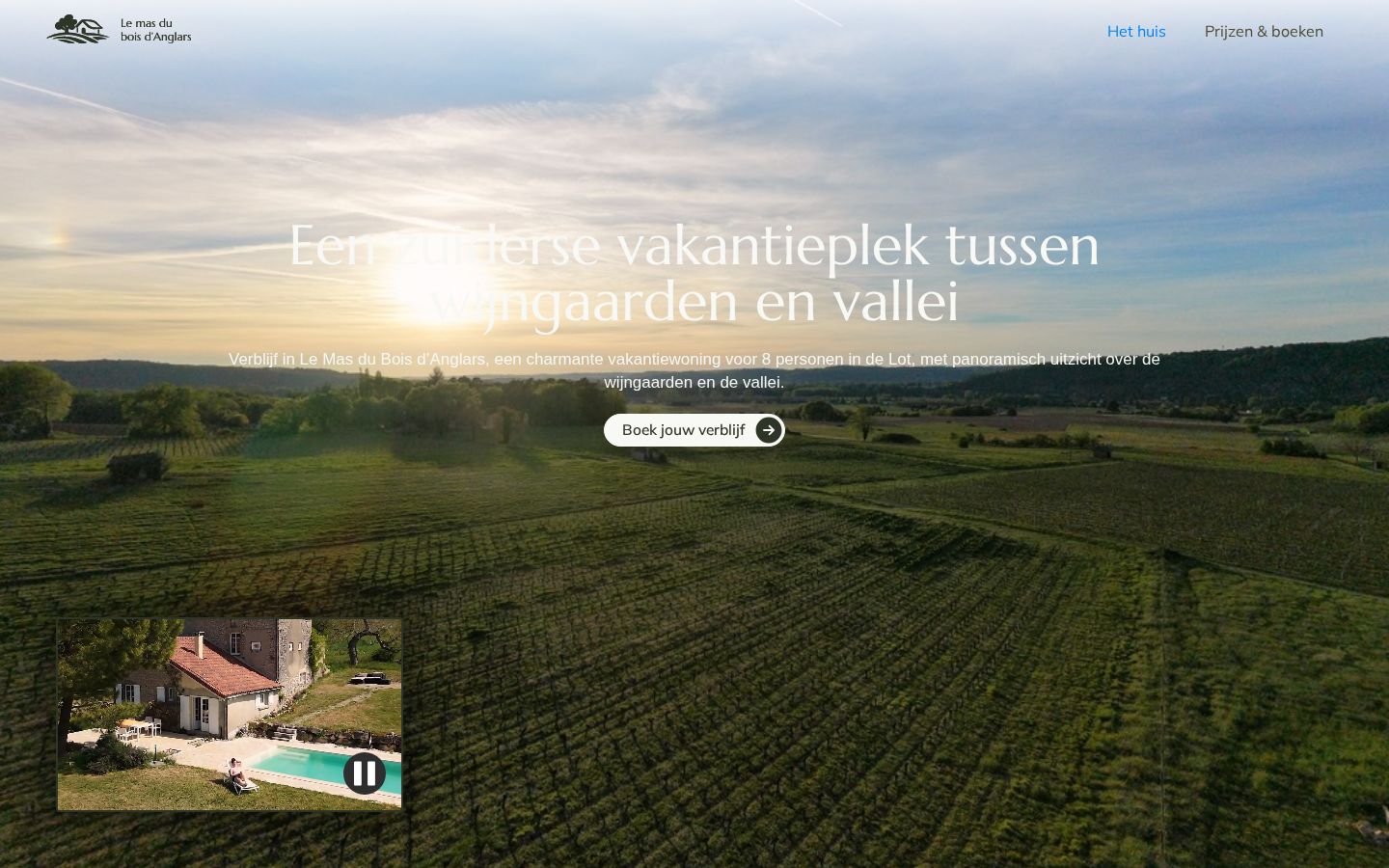
Le Mas du Bois d’Anglars is a holiday home for eight people among the vineyards of the Lot, in the south of France. We made the whole website: the words, the drone film and photos, the design in Webflow, and a way to book without an external booking plugin.
- Client
- Le Mas du Bois d’Anglars, holiday home in the Lot, France
- Website
- boisdanglars.com
- Sector
- Holiday rental, tourism
- Period
- May 2026
- Our role
- Concept, copy, drone video and photography, web design, Webflow build, booking flow
- Team
- Juwix: project management and the Google SEO set-up by Loïc, with freelance designer Ymthe and copywriter Alex
- Platform
- Webflow, Google Calendar
- Language
- Dutch
- Deliverables
- See the full list
In short
- Challenge: a holiday home that needed to sell a feeling, plus a way to book without an external booking plugin.
- What we did: drone video and photography, all the copy, the design and build in Webflow, and a booking request flow on Google Calendar.
- Result: one website where guests see the house, check free weeks and send a request. A happy client, and a happy agency. The owners say the house now has a look and feel they are proud to show to future guests.
The challenge
People do not book a holiday home on facts alone. They book on a feeling: the view, the light, the quiet. So the website had to show the place as it really is, from the vineyards around it to the pool and the terraces.
There was also a hard rule: no external plugins for bookings. Guests still had to see which weeks are free and send a request, and the owners had to manage it all without a new system. The owners wanted to keep costs low while they saw if bookings came in, and to approve every booking themselves before it is final.
Approach
Shoot
We did: drone video and photography of the house, the pool and the landscape. Inside, too: every room, from the living room to the bedrooms.
Words
We did: all the copy: the story of the house, the key facts, the surroundings, the prices and the FAQ.
Design and build
We did: the design and the build in Webflow, mobile first.
Booking
We did: an availability calendar and a booking request flow with Google Calendar, embedded in the site.
Launch
We did: testing on phone and desktop, and the go-live on boisdanglars.com. Live in June 2026, with room for small changes after the launch. We set up Google Calendar and showed the owners how to use it.
Film, photos and words
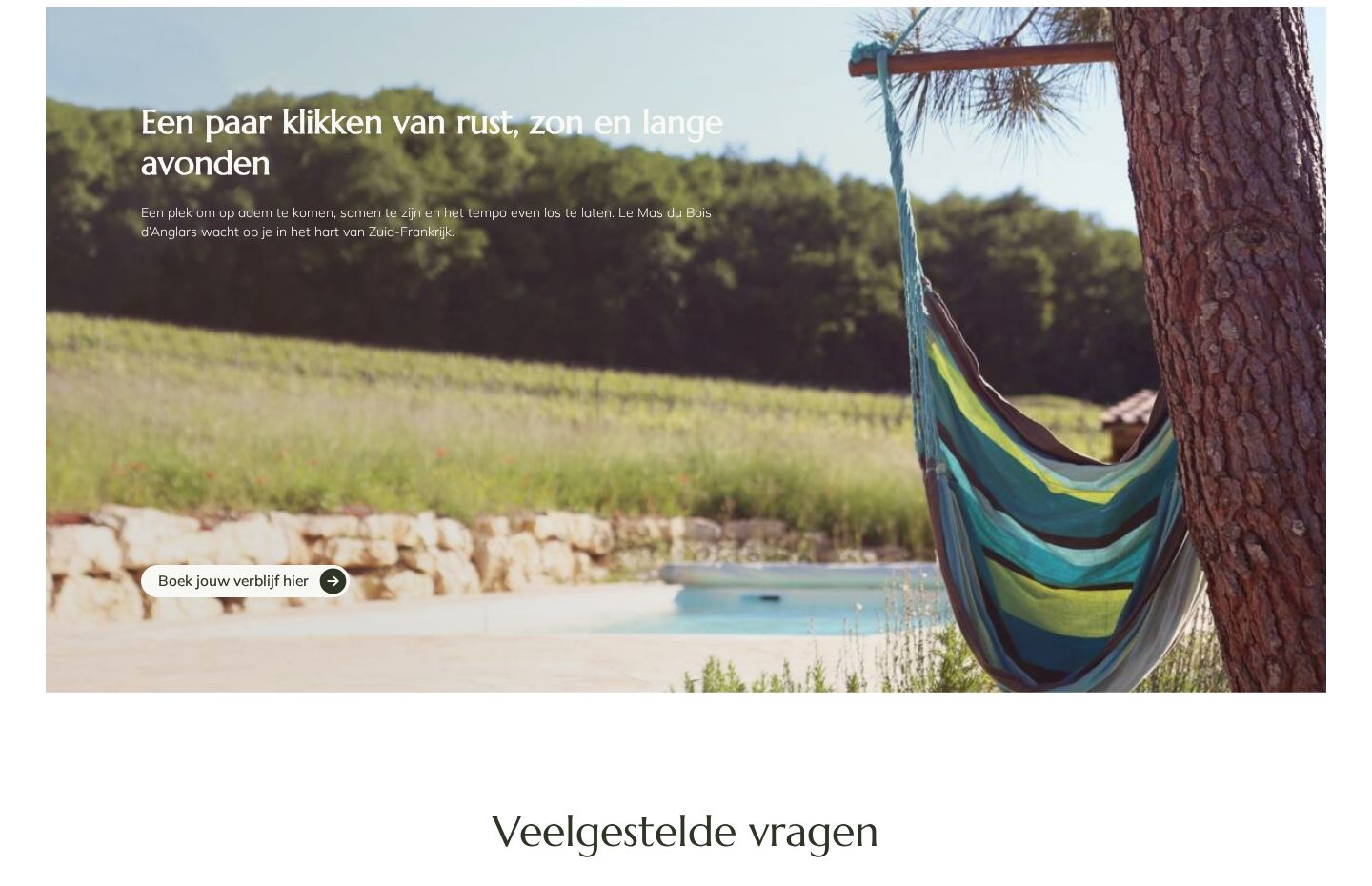
We filmed and photographed the house ourselves, from the ground and with a drone. From above you see what makes the place special: the house alone among the vineyards, with the valley behind it. The film runs behind the headline on the homepage. A short clip of the house and pool sits next to it, with a pause button.
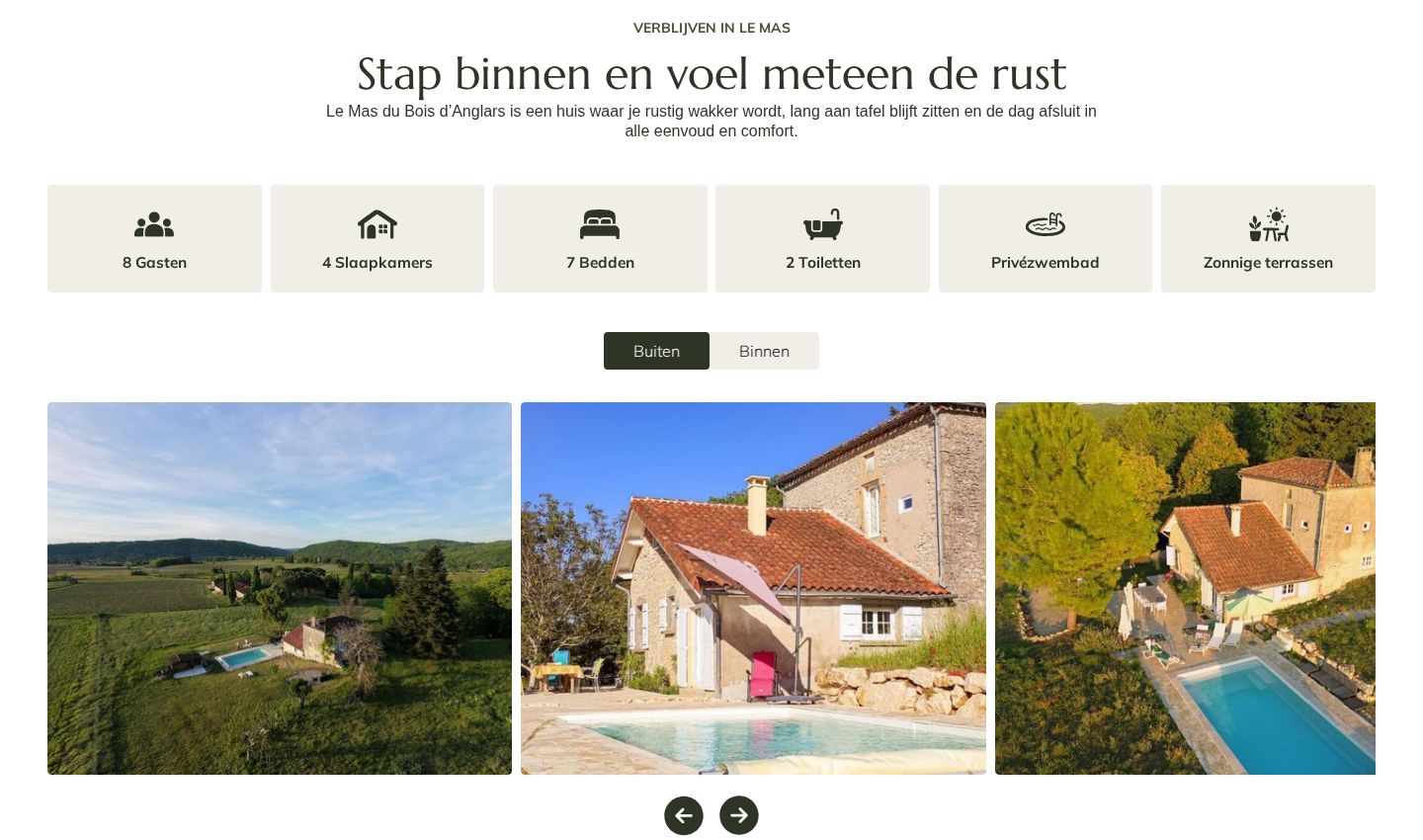
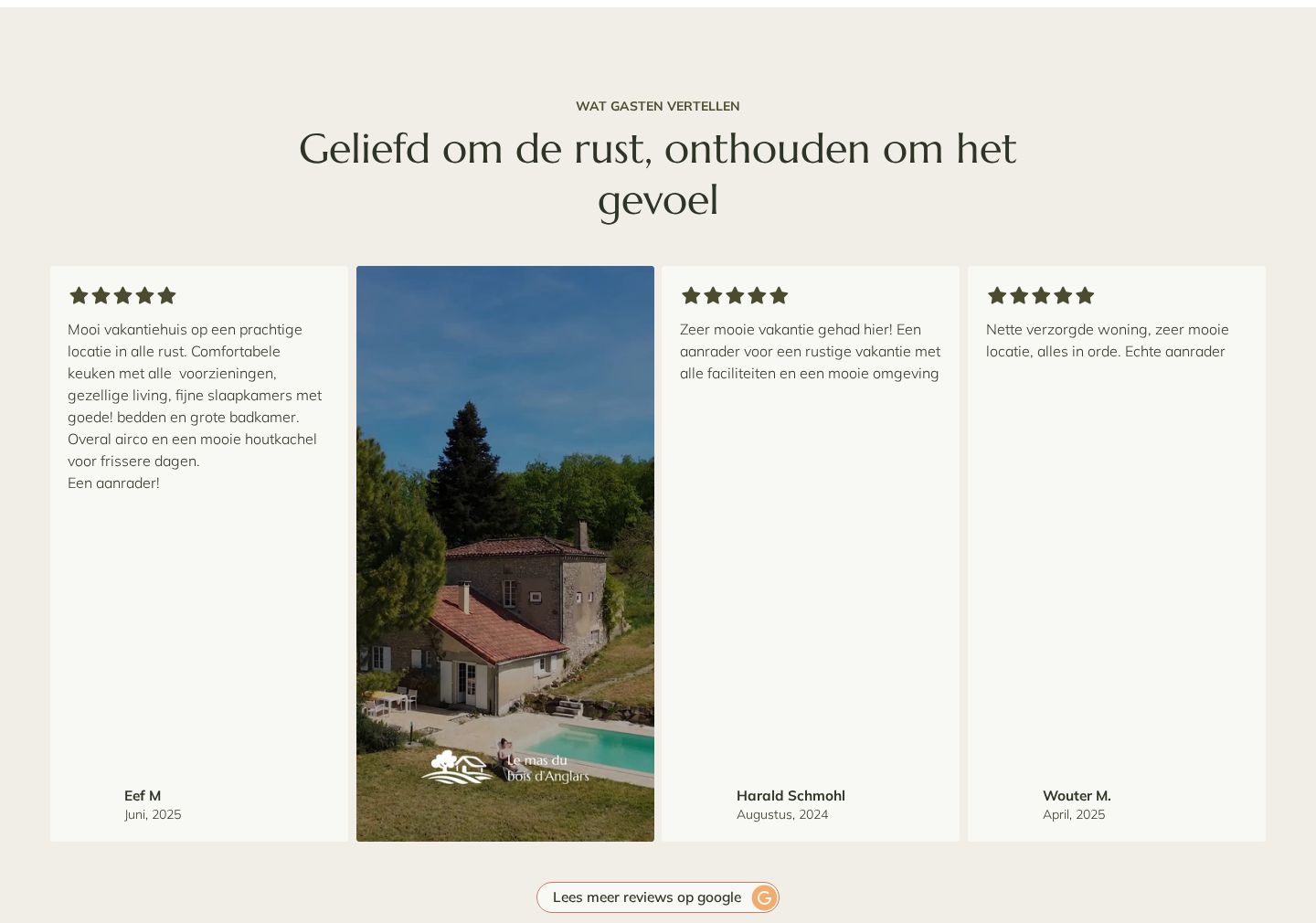
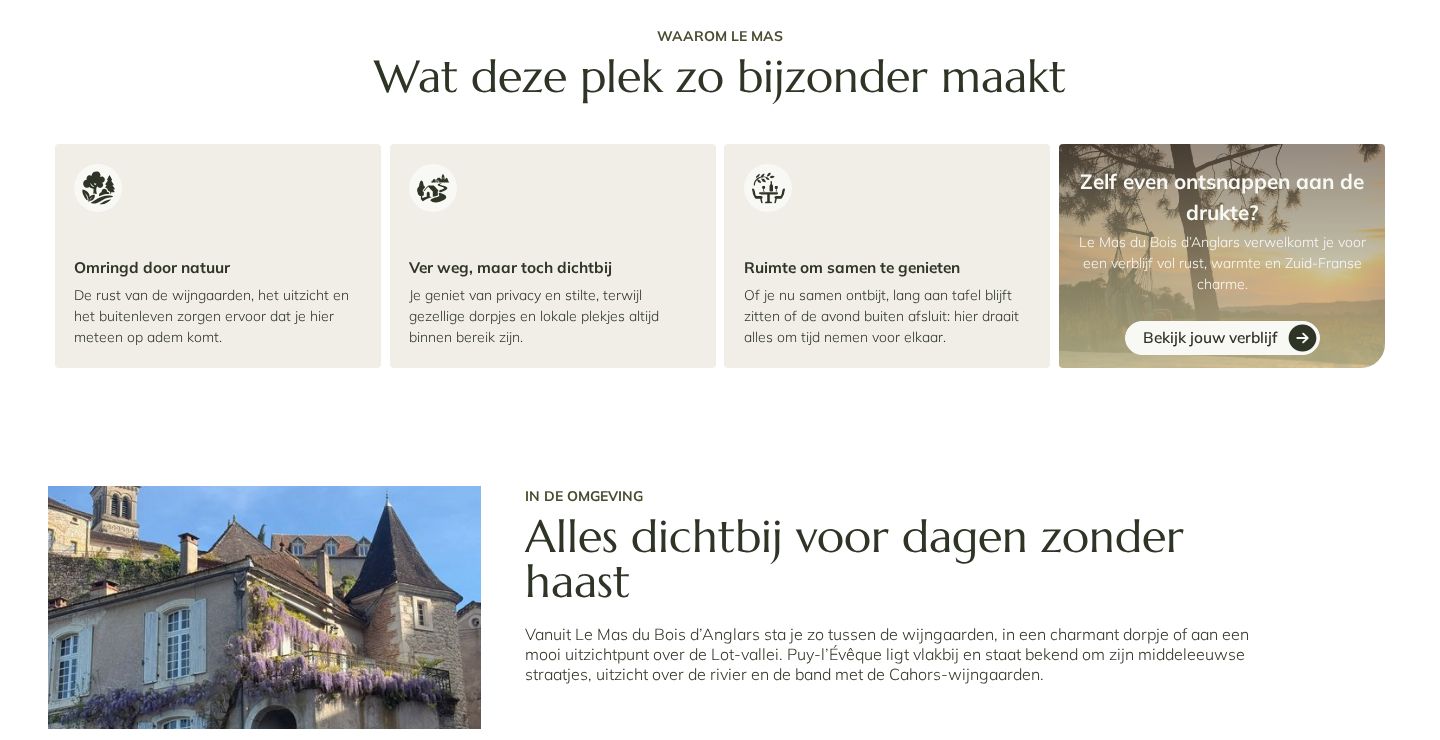
Then the words. We wrote short, warm texts that answer what guests want to know, in the order they want to know it: what the house offers, what guests say, what makes the place special, what there is to do nearby, and the practical questions.
Design and build
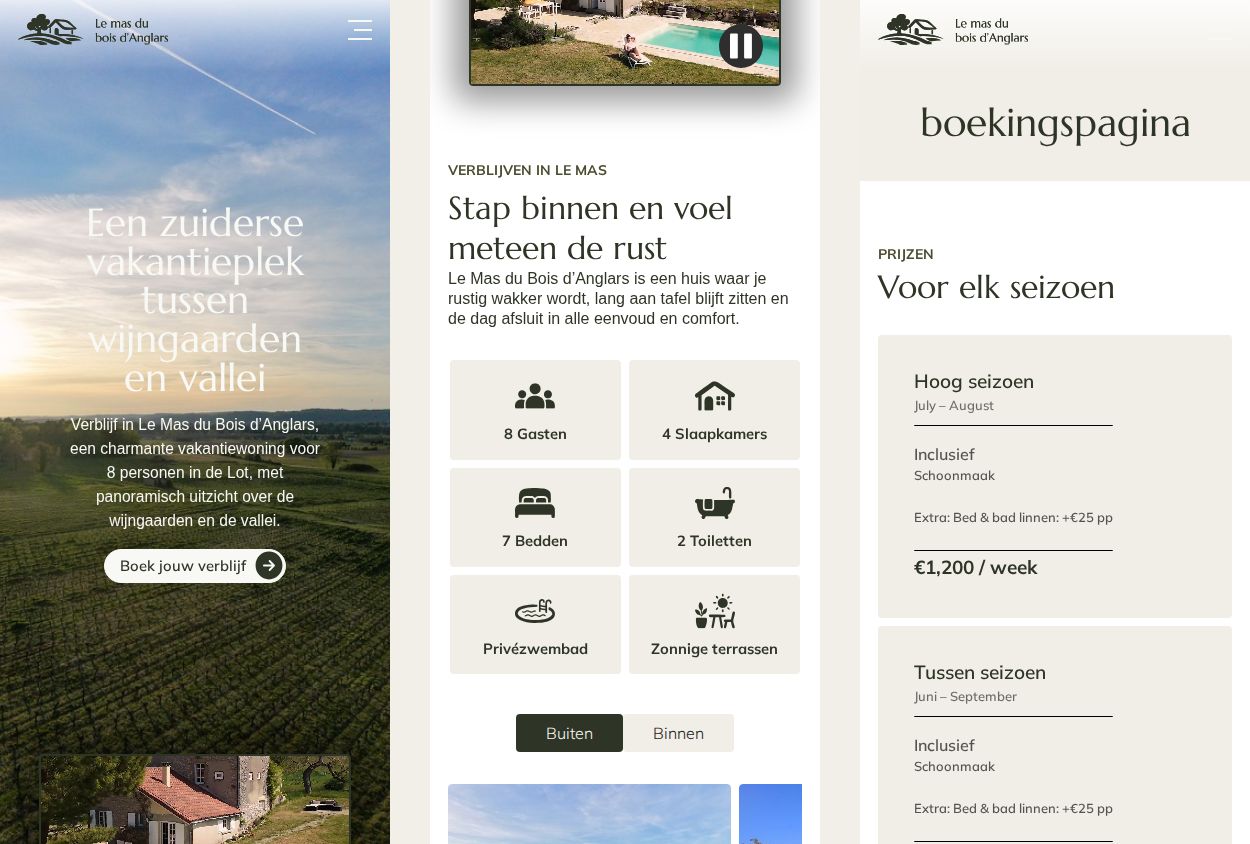
The design follows the place: warm off-white, deep olive green, a calm serif for headings and lots of space for the photos. We built it in Webflow, where texts, prices and photos can be updated later without rebuilding the site.
- Mobile first. Every section was designed for a small screen first, then for desktop.
- Two pages. The house, and prices and booking. Every button on the homepage leads to the same place to book.
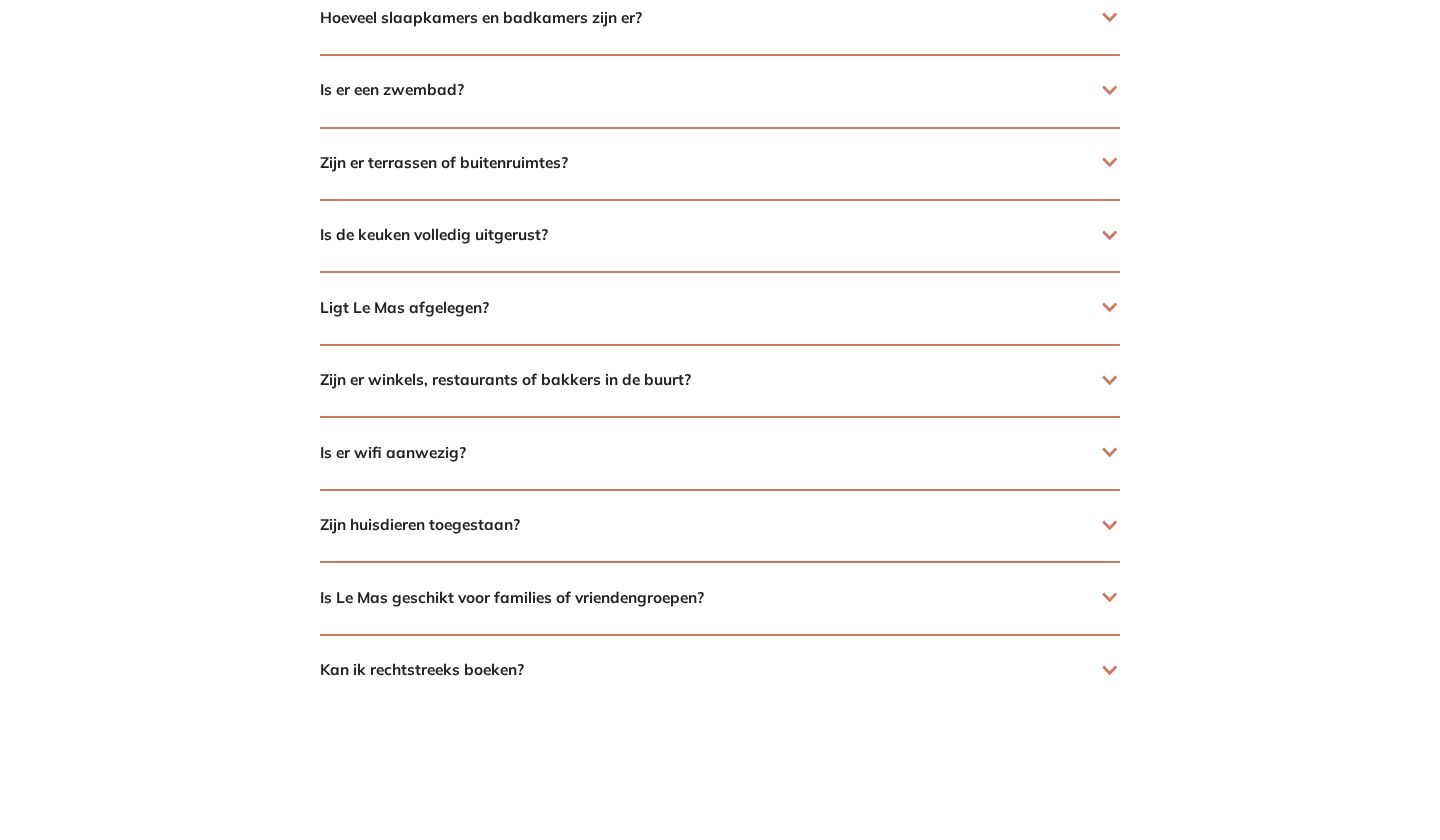
- Questions answered on the page. An FAQ about linen, bedrooms, pool, kitchen, wifi, pets and groups, so guests do not have to email first.
Booking without a plugin
A booking plugin was not an option. So we built the flow on a tool most people know: Google Calendar, on a separate account for the house.
- One calendar for the houseThe owners mark booked weeks in a Google Calendar on the house’s own account.
- Free weeks on the websiteA Google booking page is embedded on the site. Guests see which periods are still free.
- A request, not a paymentGuests pick a start date and fill in a short form. It is a request, not a final booking.
- The owners confirm by emailThey check the request and confirm the dates and the price by email.
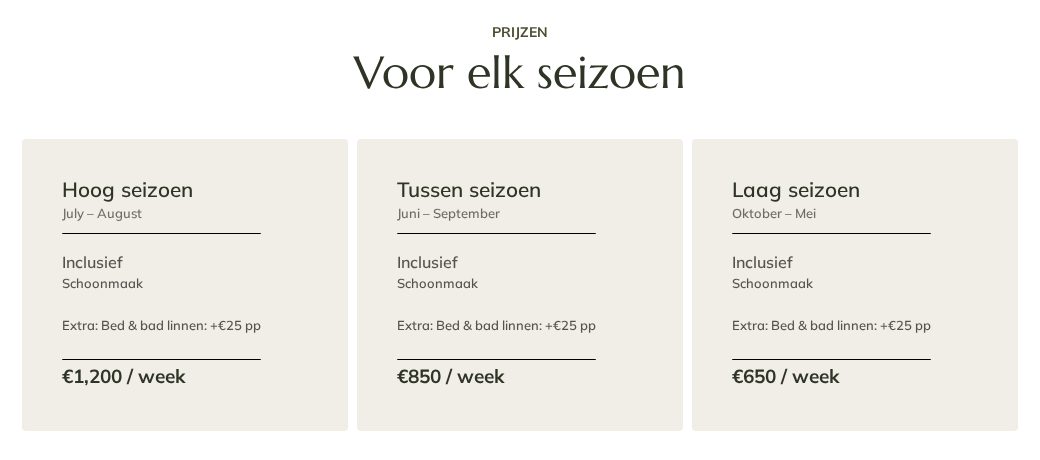
The house rents from Saturday to Saturday in high season. That made the form shorter: guests choose a start date, so there is no departure date or number of nights to fill in. Prices per season sit right above the calendar, with the rules in plain words.
From rule to solution
- ConstraintNo external booking plugin
- NeedGuests see free weeks and send a request
- SolutionGoogle Calendar for occupancy, a Google booking page embedded in Webflow
- CheckA test request from phone and desktop lands in the owners’ calendar and inbox
| With a booking plugin | With what we built |
|---|---|
| A new tool to learn and log in to | Google Calendar, which most people already know |
| Often a monthly fee or a cost per booking | No extra tool to pay for |
| Automatic bookings and payments | A request first, so the owners stay in control |
Easy for every guest
A holiday home is for everyone, so we kept the site simple: short texts, one clear button per section, large tap targets on the phone, and a pause button on the moving video. This site does not fall under the accessibility law, and we did not test it against WCAG 2.1. We did build it on a clear structure and plain language that everyone can follow.
Results
The website is live on boisdanglars.com. Guests can see the house, check free weeks and send a request in one place.
- 56%more visibility in Google than the old site
Deliverables
- Drone video for the homepage
- Drone and ground photography
- All website copy
- FAQ
- Web design, mobile first
- Webflow website, two pages
- Prices per season
- Availability calendar in Google Calendar
- Booking request flow, embedded
- Contact form and map
What we learned
Our services should be within reach of small budgets too. It is hard to deliver a site you would not build quite that way yourself. But the budget and the timing allowed a solid first version, and from there we can keep working on accessibility and a booking plugin that meets the rules.
A small business with a big story?
We make the words, the images and the website, and keep it simple to run. Tell us about your place.
Send a message